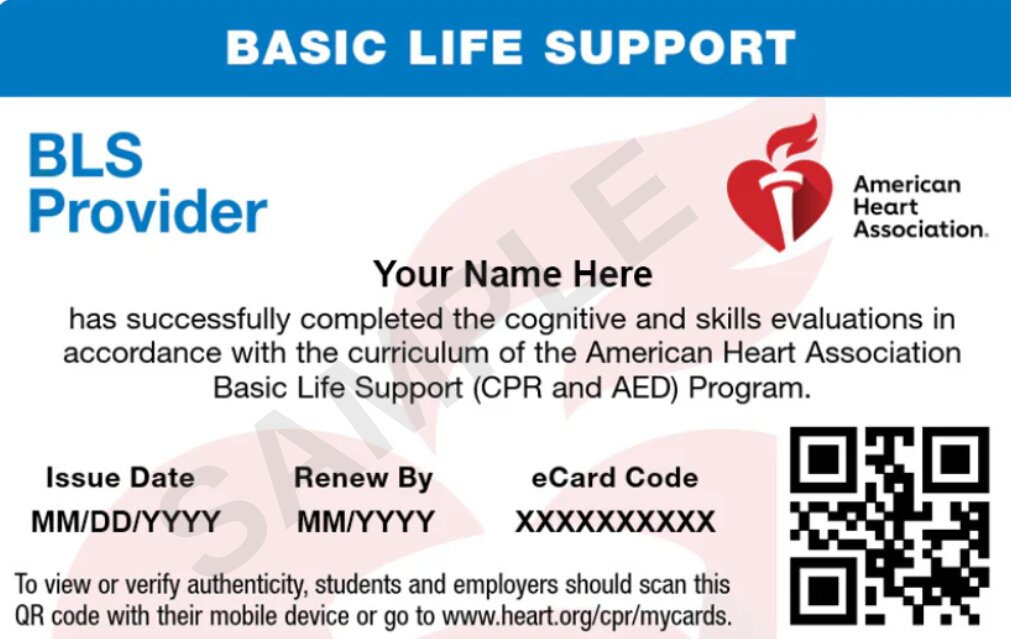
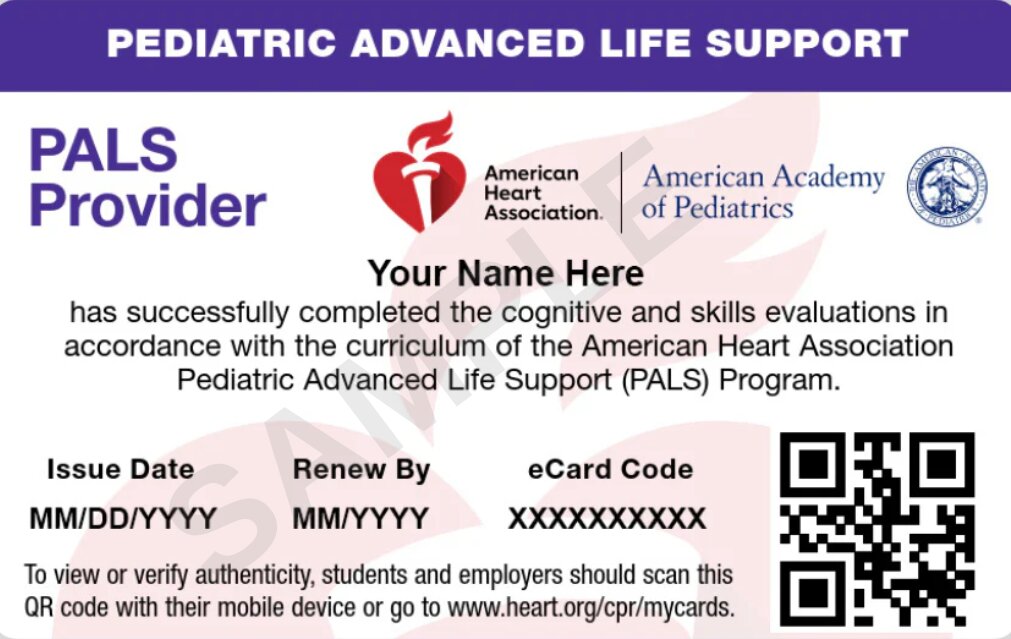
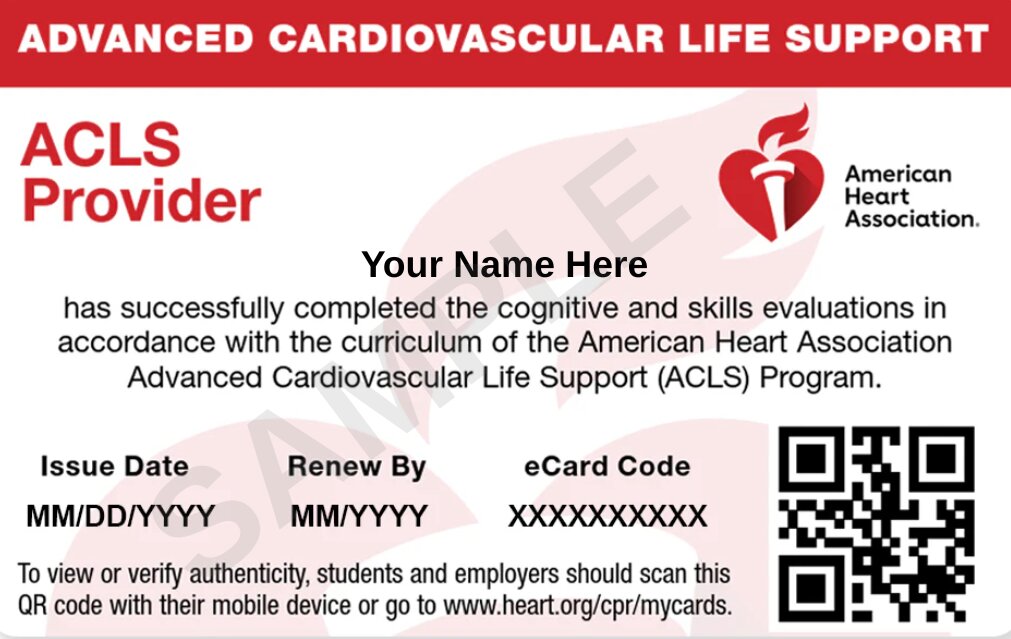
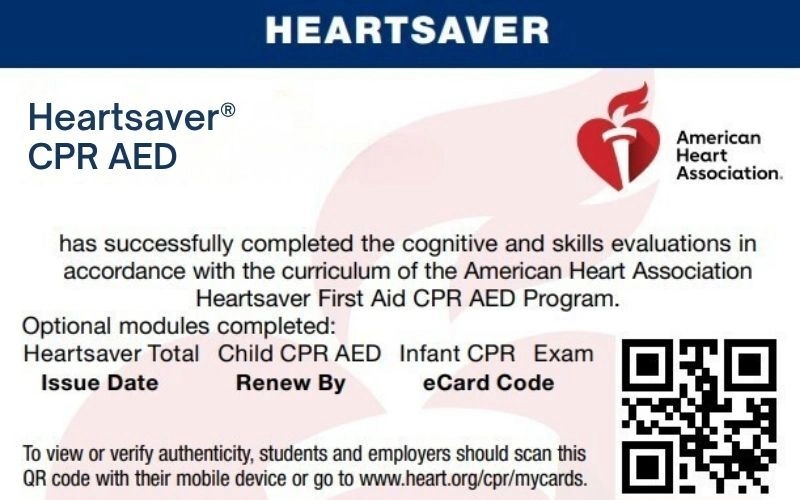
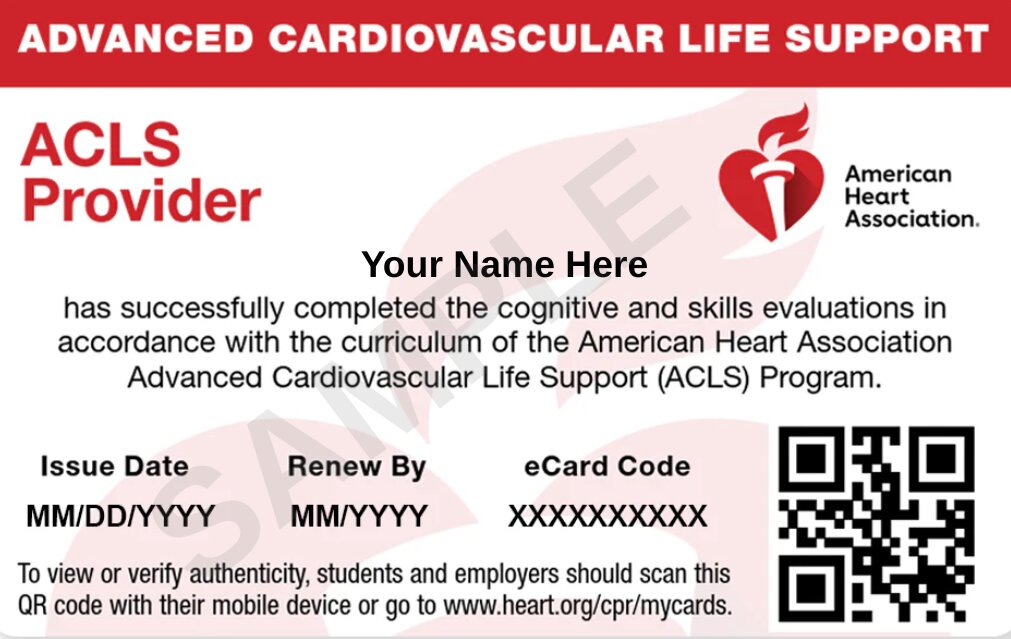
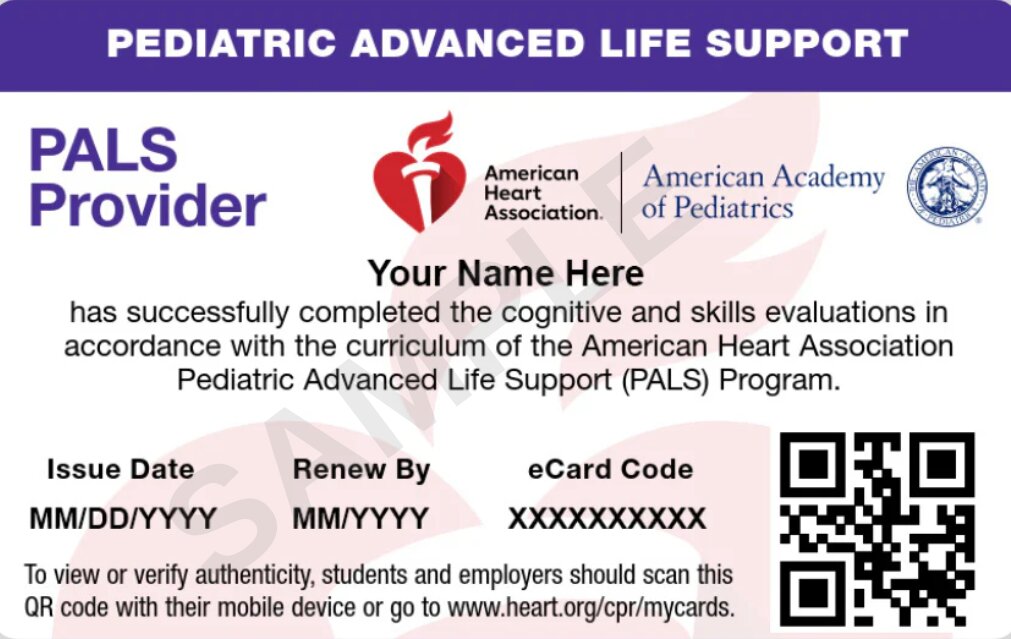
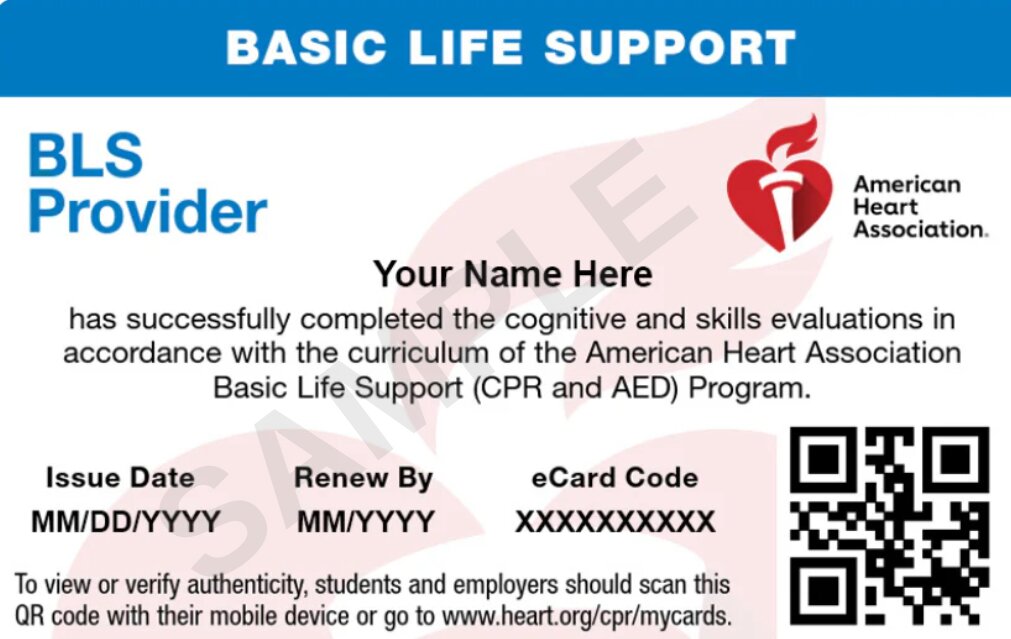
Once you have completed your American Heart Association (AHA) Self-Guided Learning course and the associated skills assessment at a CPR Verification Station, your Training Center will issue your AHA Course Completion eCard.
The eCard is your digital record of course completion and is accessible through the AHA eCards platform. After issuance, you must claim the card to access its details, download a copy, or provide certification verification when requested by an employer.
Claim Your eCard via Email
The AHA may notify you when your certification is available by sending an email from eCards@heart.org. The notification includes a direct link to the eCard claiming page.
Before starting, check your spam or junk folder if the message is missing from your inbox.
1
Open the AHA email and select the link provided to begin claiming your certification.
2
Review the information displayed on the Student Profile page. Check your full name, email address, phone number (if listed), eCard Code, and Training Center details.
3
If you discover incorrect information, contact your Training Center for assistance before submitting your profile.
4
Choose a security question and enter a corresponding answer.
5
Accept the terms and conditions and select Submit.
6
Complete the course survey to proceed.
7
Your eCard will appear after the survey is finished. You can view, save, or print the certification.
8
Check your inbox for the confirmation email indicating that your eCard has been claimed. Retain this message for future reference.
Claim Your eCard Through the AHA eCards Website
You can still retrieve an issued certification if you no longer have the AHA notification email. The AHA eCards website provides a student search feature for locating and claiming available cards.
Enter your first name, last name, and the email address associated with your course registration.
4
You can also use your eCard Code if you have received it from your Training Center.
5
Select Search to display your available certifications.
6
Find the appropriate card under My eCards. If its status is Unclaimed, select Claim.
7
Set up your security question and enter your answer.
8
Accept the AHA terms and conditions and click Submit.
9
Complete the course survey presented by the system.
10
Your certification will be available to view after the claiming process is complete.
Claim Your eCard by SMS Text
Students may also have the option to claim their AHA eCard through text messaging. This method is available when the Training Center has entered the student’s mobile phone number into the AHA eCard system during issuance.
If your phone number is registered:
1
Open the text messaging application on your phone.
2
Send the word eCard to 51736.
3
Follow the instructions in the SMS response.
4
Complete the requested steps to claim your AHA certification.
How to View Your Claimed eCard
Once your eCard has been claimed, you can access your certification again through the AHA eCards website without repeating the initial claiming process.
Enter your first name, last name, and registered email address, or provide your eCard Code.
4
Click Search to retrieve your certification.
5
Answer the security question created during the claiming process.
6
Select your certification under My eCards to open the card.
Download your Ecard
Select View eCard and choose the card size you want:
Full: Displays the complete certification in its full-size format.
Wallet: Provides a smaller version that is convenient for personal reference.
You can then save or print your eCard.
Email Your eCard
Select View eCard and choose the card size you want:
Select Email Cards.
Enter the email address where you want the card sent.
Select Email.
Claim your achievement
How an Employer Can Verify Your AHA eCard
Employers, healthcare providers, and organizations throughout Washington can confirm an individual’s AHA certification using the official eCards verification system.
To check a certification:
Visit the AHA eCards website.
Choose the Employer tab.
Enter the eCard Code belonging to the student or employee.
Select Verify.
Review the certification status and available card information.
Need Help With Your eCard?
If you completed your CPR, BLS, ACLS, PALS, or First Aid course through CPR Washington and encounter problems accessing your certification, our team is ready to assist.
Our team can help review your training information and provide guidance on accessing your certification through the AHA eCards platform. Contact CPR Washington for assistance with your eCard.